Screens & operation
Individual machines and connected plant sections
Process screens for individual machines and connected plant sections. Add new screens and operating functions to existing HMI software.

We develop your visualisation, connect controllers and commission the solution.
Send a no-obligation inquiry and discuss technical details directly
Individual machines and connected plant sections
Process screens for individual machines and connected plant sections. Add new screens and operating functions to existing HMI software.
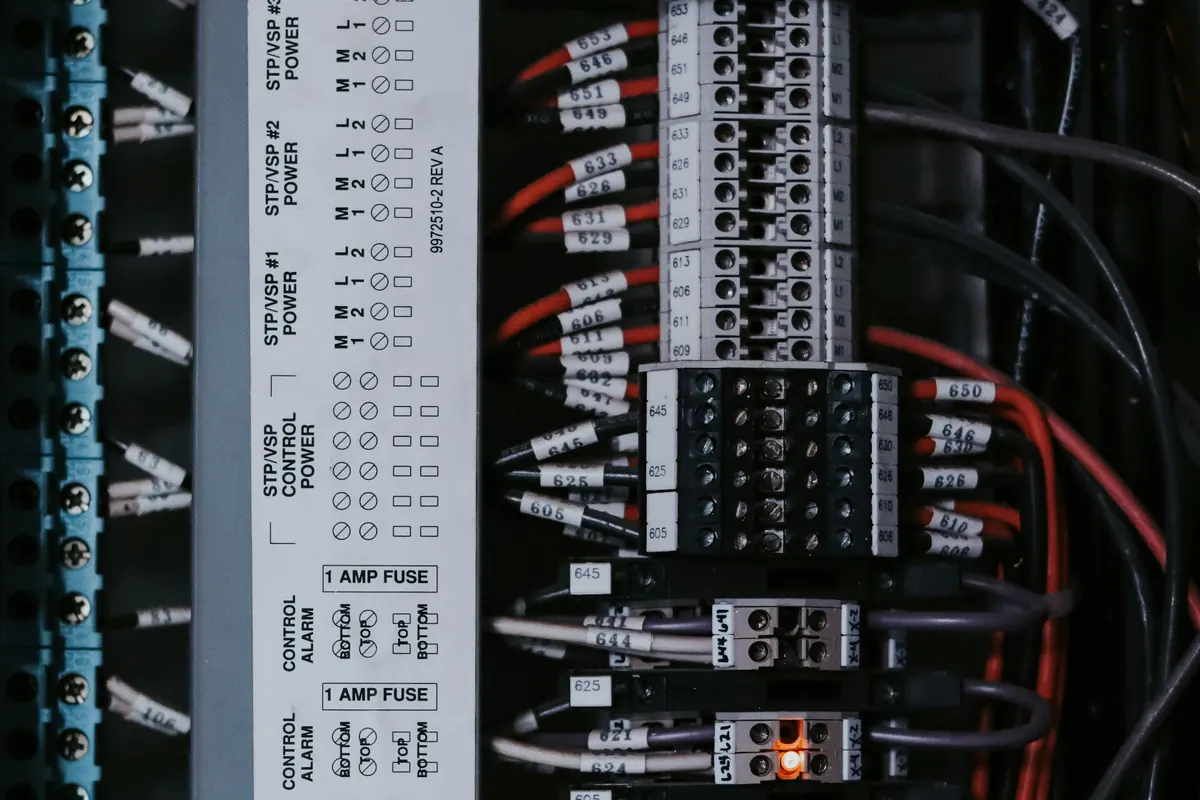
Plant monitoring with clear fault information
Set alarm limits, priorities and acknowledgement rules. Operators can identify faults and trace their sequence in the alarm history.
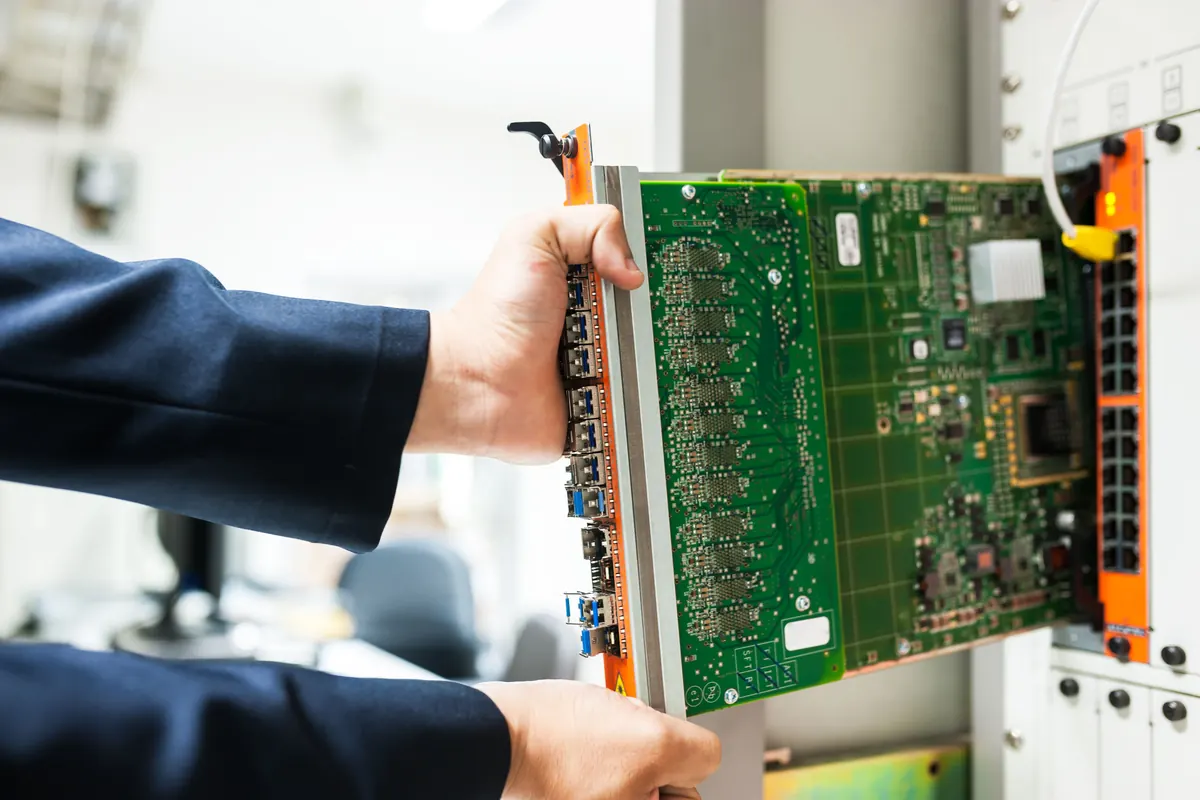
Process data acquisition and analysis
Record values and operating states for trends. Select data, set retention periods and extend existing archives where suitable.
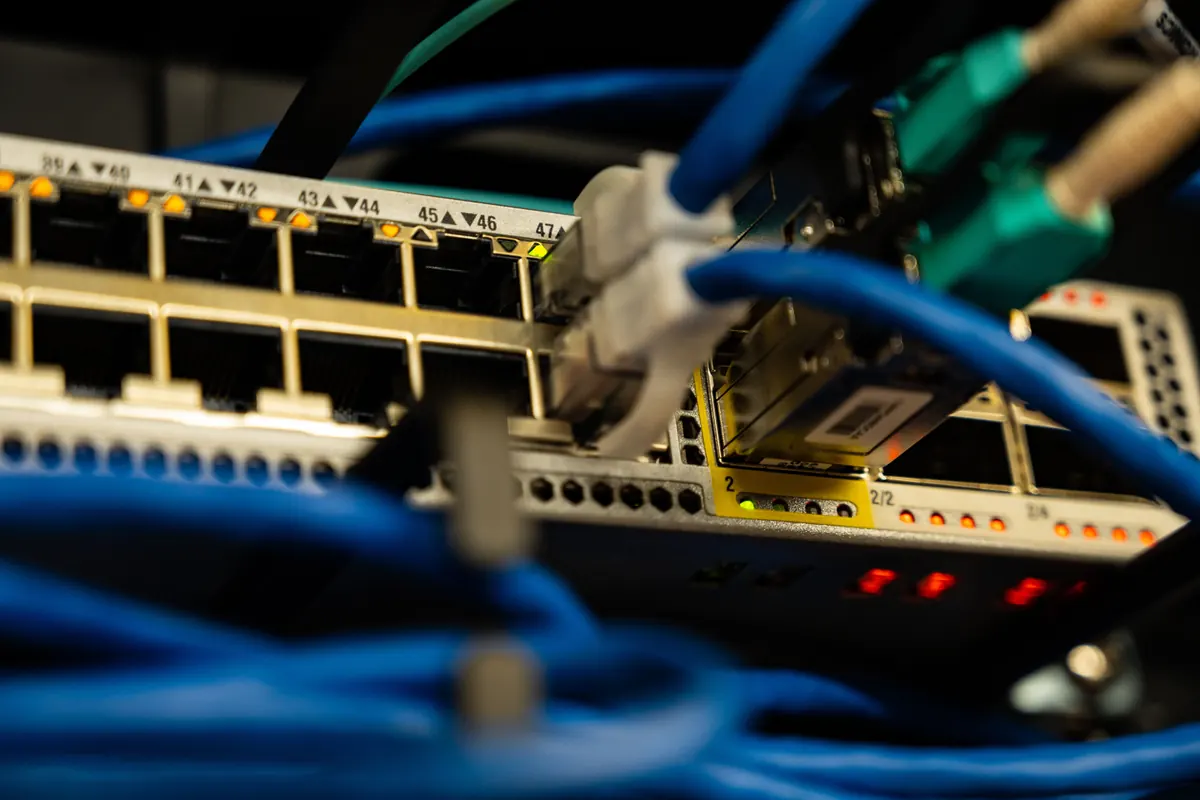
Connect controllers and measuring devices
Connect controllers, measuring devices and higher-level systems. Bring data from machines and plant sections into one SCADA system.
New visualisation on existing hardware. An assessment shows what can stay.
We review process screens, project files, interfaces and licences. The choice of SCADA software follows the functions you want to retain or add. Production and maintenance agree the changeover with us, including backups, functional tests and recommissioning.
The platform is chosen to suit your plant, its interfaces and how operators use it.
Brida Technik programs Siemens SIMATIC S7 in TIA Portal and visualisations in WinCC Comfort, Advanced and Unified. Depending on the project, OPC UA, Modbus TCP, MQTT or database interfaces can be used. The connection depends on available protocols, software versions and licences.
Agree the functions · Configure interfaces · Commission the system
You receive project files, documented interfaces and a backup of the software version.
Commissioning covers operation, alarm and data acquisition tests with your team, plus operator training. Documentation describes interfaces, software versions, backup and restoration. After handover, Brida Technik supports changes to process screens, functions and connected systems.
Project files · Interface documentation · Data backup · Commissioning records
FAQ
Often, yes. The controller type and communication interfaces determine whether a PLC suits the new visualisation. An assessment identifies which components can stay and whether program changes, gateways or hardware replacements are needed.
Current PLC, HMI and SCADA project files, circuit diagrams, device lists, software versions and licence details help with the assessment. If documents are missing, the project starts with an inspection of the plant.
Yes, if the selected SCADA platform and its licences support browser operation. Planning a web SCADA project includes the devices, user permissions and network access.
The technical setup depends on whether you need access within the plant or also from outside. Remote access requires an agreed, protected connection.
Brida Technik plans the sequence with production and maintenance: back up the existing system, test changes and restart the plant. Engineering and preparatory tests take place before the changeover wherever possible.
Changes that affect operation require an agreed shutdown window. Acceptance criteria and any necessary fallback procedure are established before the changeover. The plant and its interfaces determine how long the shutdown needs to last.
The number and complexity of process screens, data points and interfaces determine much of the work. Alarms, archives and user permissions also affect the scope, as do the available project files and the condition of the existing system.
Other cost factors include platform licences, any additional hardware, commissioning and documentation. You receive a project-specific quotation once the requirements and existing system have been assessed.
Describe your plant, its controller and the visualisation you need.